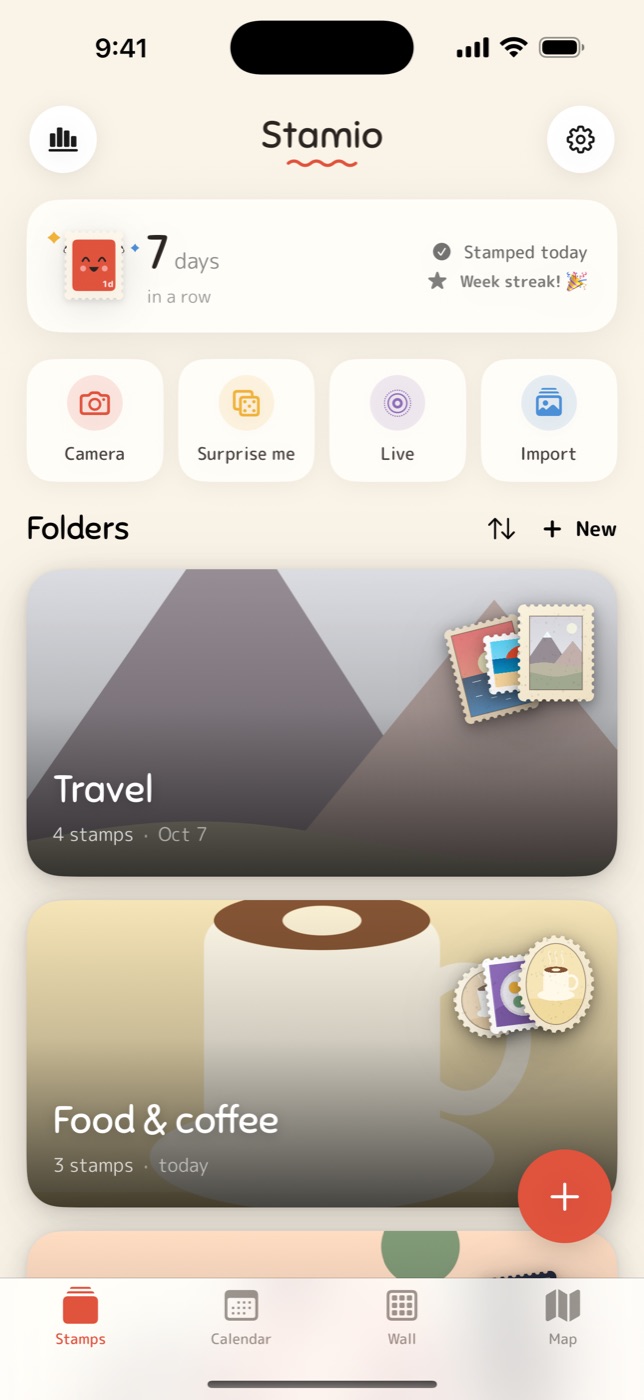
A cosy stamp journal for iPhone

Turn photos into little stamps

Punch a photo, keep the moment, and watch your days fill up with tiny perforated memories. Pin them to a wall, fill your calendar, map everywhere you've been.

  • Free to start
  • No ads
  • No tracking

Point. Punch. Keep.

  1. 1

    Point

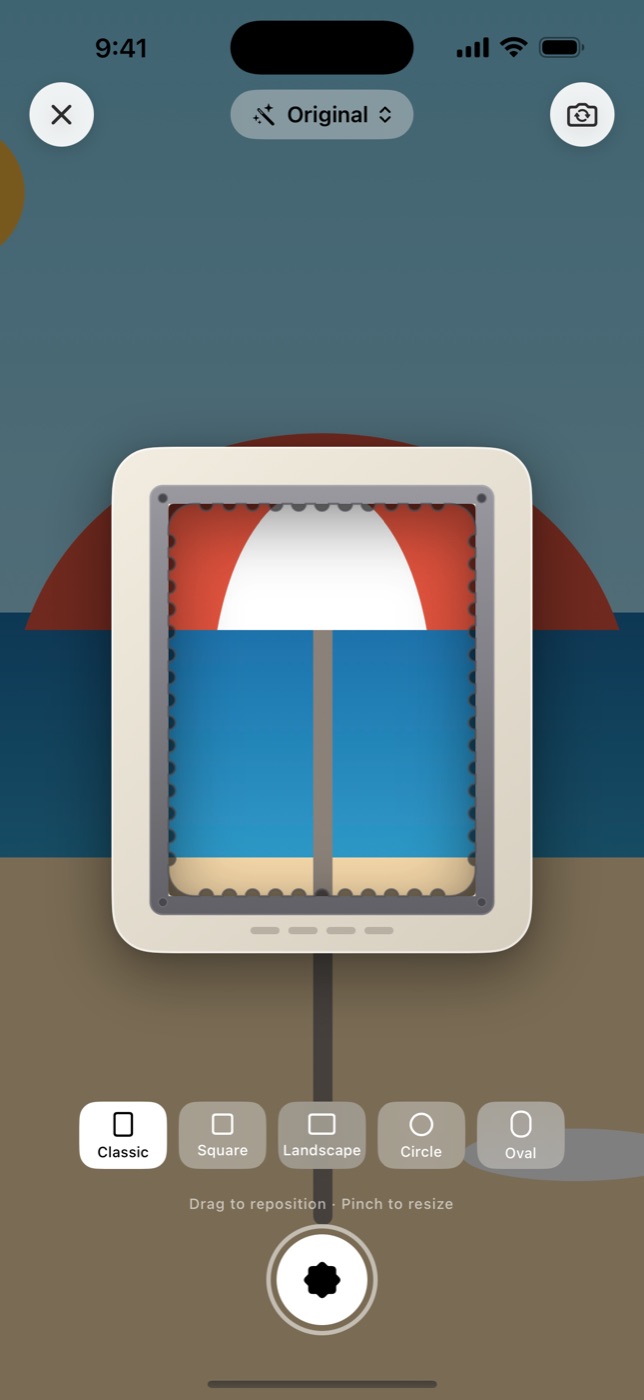
    Open the stamp camera, pick a photo from your library, or tap Surprise me for an old favourite.

  2. 2

    Punch

    Drag and pinch the stamper, choose a shape and a filter, then thunk: a perfectly perforated stamp.

  3. 3

    Keep

    It lands on today's date. Add a title, an emoji, a little note and the place it happened.

No. 01

Punch any photo

Five shapes and sixteen filters, each with its own paper and frame. Even Live Photos and videos become little moving stamps.

  • Classic, square, landscape, circle and oval
  • Re-crop and restyle any stamp later
  • Motion stamps from Live Photos
Punching a stamp from a photo in Stamio
No. 02

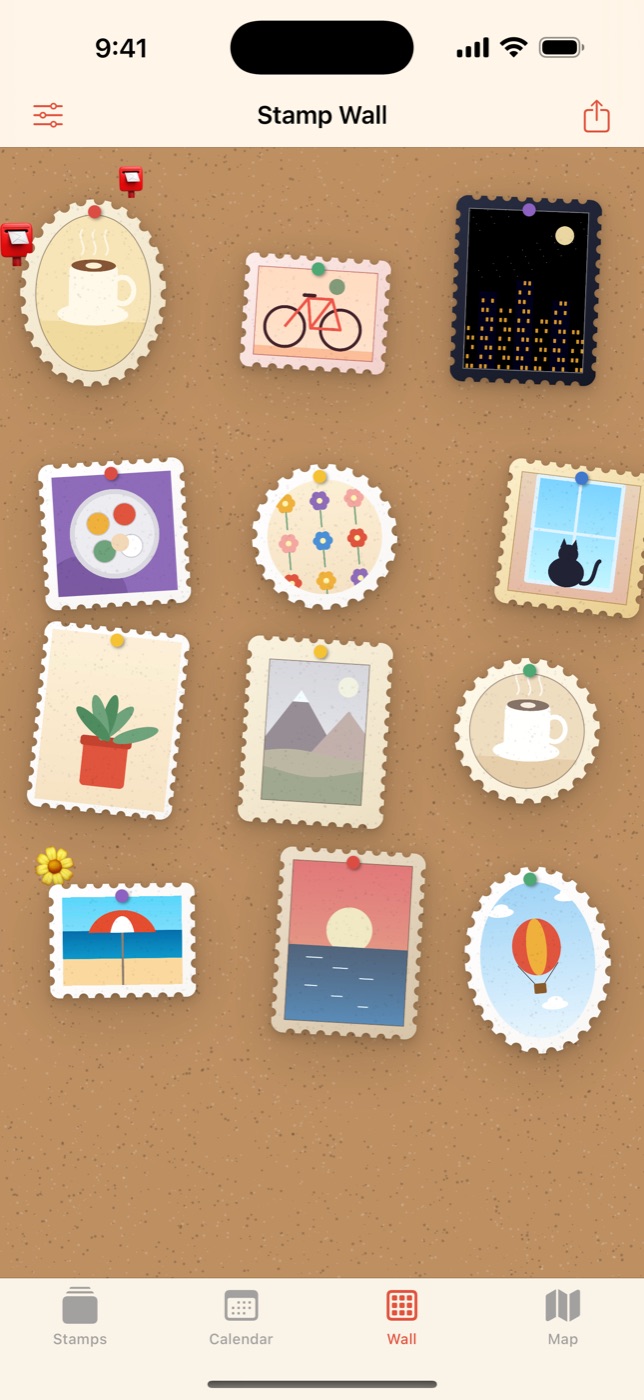
Pin up your memories

Your stamps on a cork board, a fridge door, a chalkboard and more. Long-press to move them around, scatter a few stickers, then share the whole wall.

Stamps pinned to a wall in Stamio
No. 03

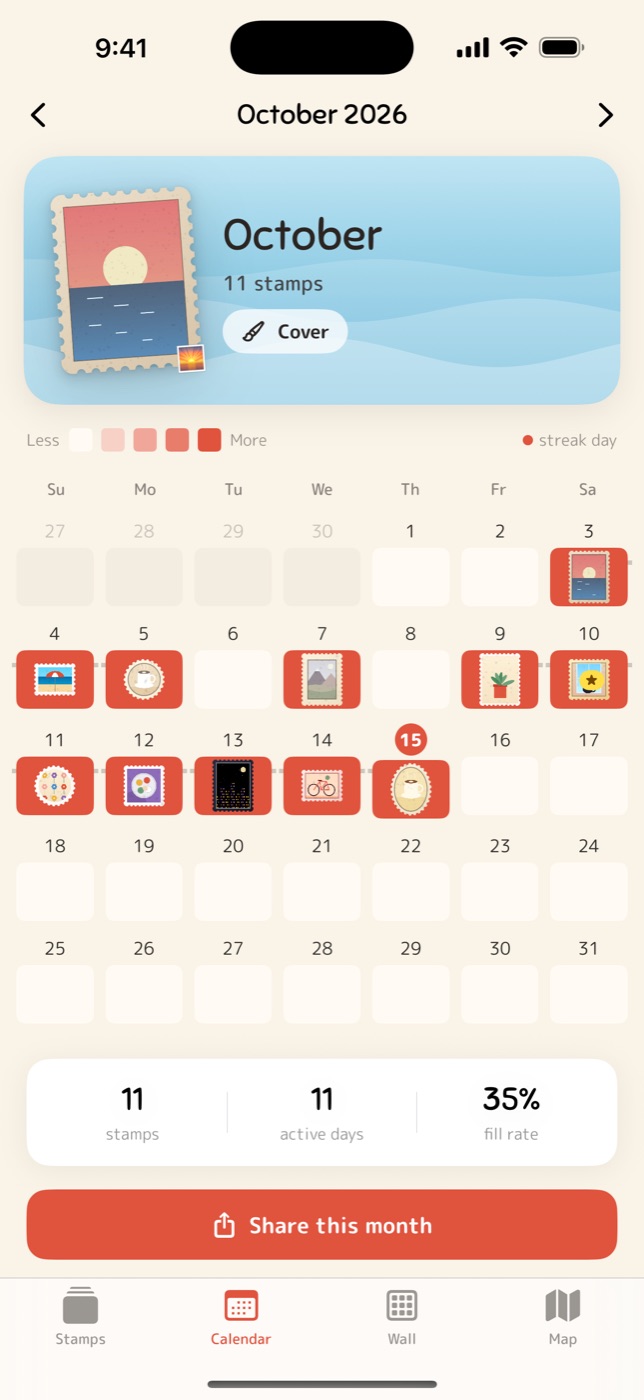
A stamp a day

Every stamp lands on its day. Keep a streak going, pick a cover for each month over a gently moving sky, sea, garden or night, and share your month as a card.

Calendar of stamps with a month cover
No. 04

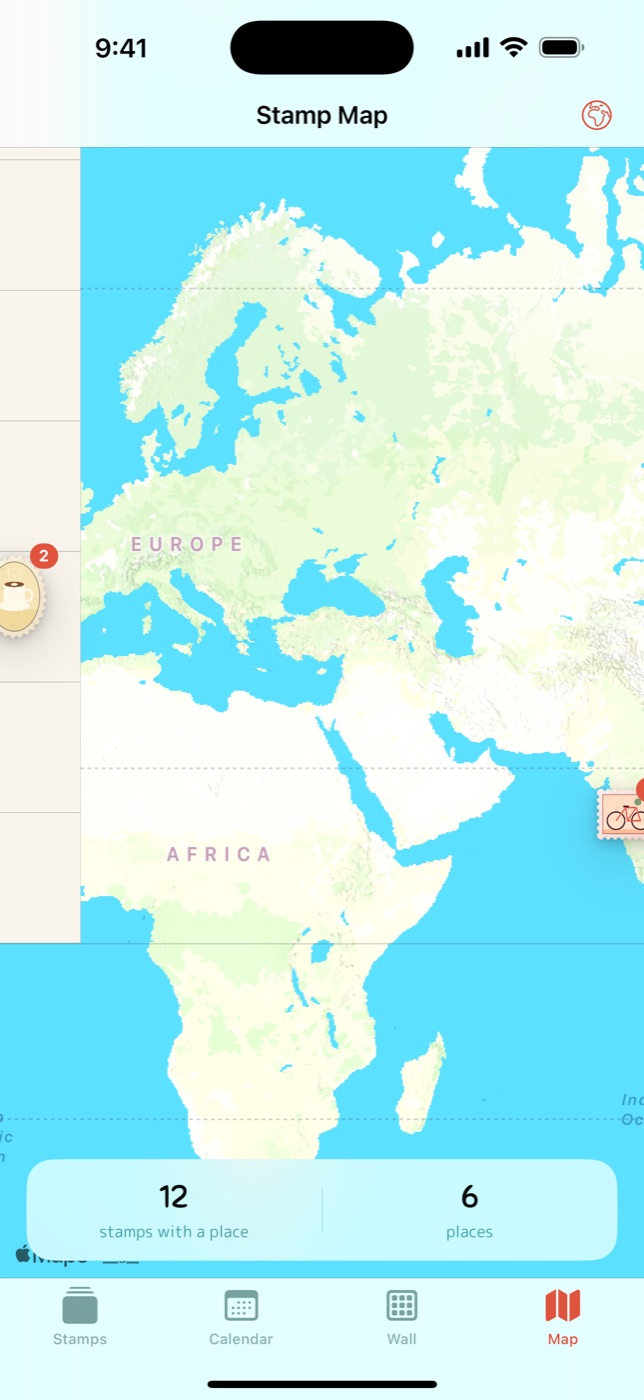
Every place you've been

Photos from your library keep their date and place. Find every stamp on your map, or give the globe a spin.

Map of stamps in Stamio
✉️

Share it your way

Postcards, magazine and fridge cards, printable A4 PDFs, and .stamp files friends can open.

📱

On your Home Screen

Random-stamp and calendar widgets, plus a Stamp Camera button for Control Center and the Action button.

☁️

Safe in your iCloud

With Pro, your stamps sync across your devices through your own private iCloud.

📖

Keep the story

A title, an emoji, a diary note and a place on every stamp, numbered like a real collection.

🎞️

Look back

A recap of your week, month or year, with your most stamped places and days.

🗂️

Folders and albums

Sort stamps into folders, then flip through them in a grid or a stamp album.

Free to start. Pro when you're hooked.

Free

$0

Forever, no card needed

  • Up to 100 stamps and 5 folders
  • Classic, square and circle shapes
  • Six filters to start
  • Wall, calendar, map, recap and widgets
  • Share one stamp at a time
1 week free

Stamio Pro

$14.99 / year

or $2.99 / month, or $29.99 once for life

  • Unlimited stamps and folders
  • Oval and landscape shapes
  • Every filter and frame
  • Motion stamps from Live Photos and videos
  • iCloud sync across your devices
  • Printable A4 PDFs and bulk export
  • Every wall background

US prices. Your local App Store price may differ. Subscriptions renew automatically and can be cancelled anytime in your Apple ID settings.

No account. No ads. No tracking.

Your stamps live on your iPhone, and in your own iCloud if you turn on sync. We don't run servers and we never see your photos.

Questions

Do I need to sign up?

No. There's no account and no sign-in. Open the app and punch your first stamp.

Where are my photos stored?

Only on your iPhone, and in your own private iCloud if you turn on sync with Pro. They never touch our servers, because we don't have any.

What happens to my stamps if I stop paying for Pro?

You keep every stamp you've made. Pro-only extras like iCloud sync and new oval or landscape stamps pause until you come back.

How do I cancel a subscription?

In the Settings app, tap your name, then Subscriptions, then Stamio. If you change phones, tap "Restore" in the app to get Pro back.

Does it work on iPad?

Stamio is designed for iPhone. It also runs on iPad in iPhone mode.

How do I delete everything?

In Stamio, go to Settings and tap "Delete all stamps". It also removes the iCloud copy if sync is on.

Your first stamp is one tap away

Coming soon to the App Store.

Say hello